
To Reset Your Password:
- Go to https://www.employeenavigator.com/benefits/ and click on “Forgot password?”

2. Enter in your Username and click on "Send Email."

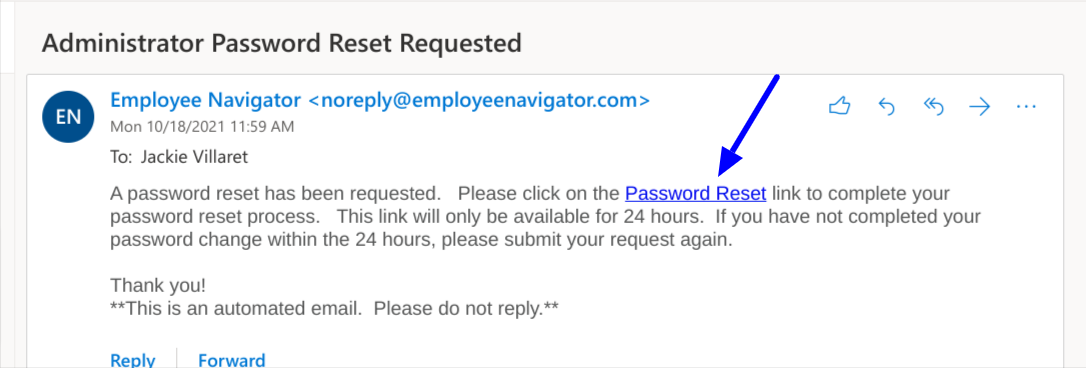
3. A password reset email will be sent to your email address and you'll be able to follow the steps in the email to update your Employee Navigator password. Please check your spam/junk folder as well.
To reset your username:
1. Click on "Forgot Username?"

2. Click on "Here" in order to retrieve your username.

3. Enter in your Company Identifier, First Name, Last Name, and PIN (Last 4 digits of SSN) and click on "Continue."

4. Your username will be retrieved once you have completed Step 6. Click "Continue" to proceed to the login page.
